

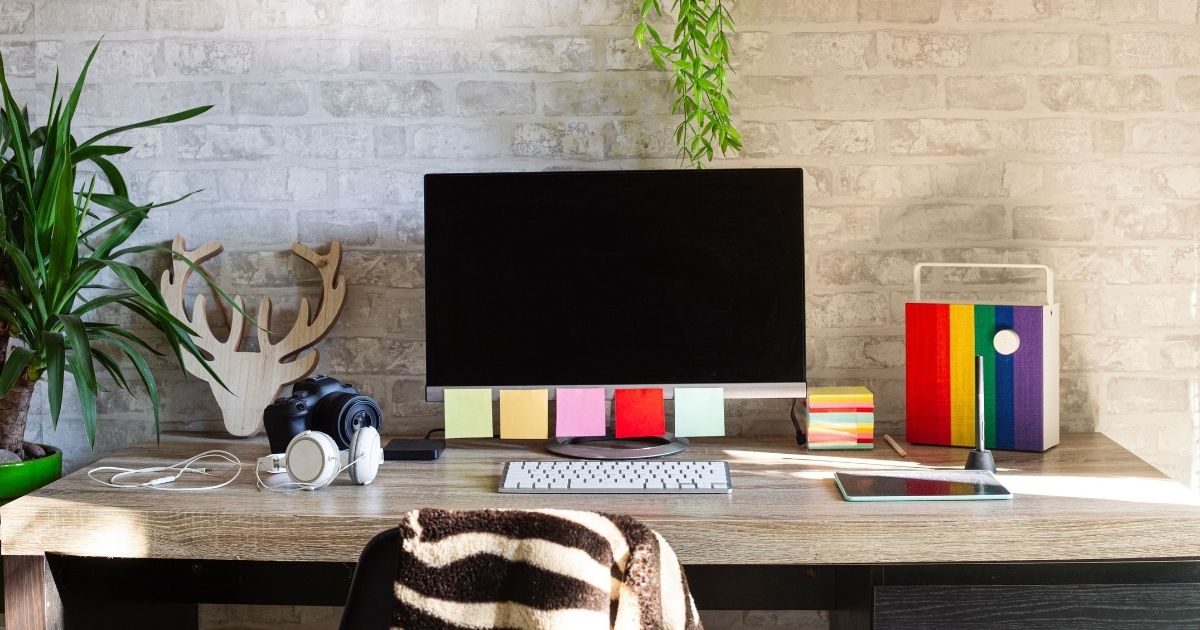
A cluttered desk can make even the simplest tasks feel overwhelming. If you’ve ever wasted time searching for a pen, a charger, or an important document, you already know how desk clutter can slow you down. The good news? Organizing your desk doesn’t have to be complicated or expensive.
In this guide, we’ll walk you through simple, realistic desk organization tips that actually stick. Whether you work from home, manage a small office, or run a business in South Florida, these strategies will help you stay productive, focused, and clutter-free.
Why an Organized Desk Matters
An organized desk is more than just nice to look at—it directly impacts how you work and how you feel during the day. A clean workspace can:
- Reduce stress and mental overload
- Improve focus and efficiency
- Save time spent searching for items
- Create a more professional appearance
- Boost motivation and productivity
When your desk works with you instead of against you, your entire workday feels easier.
Step 1: Start With a Clean Slate
Before organizing anything, clear everything.
Do this first:
- Remove everything from your desk surface
- Empty drawers completely
- Wipe down your desk, keyboard, mouse, and monitor
- Clean drawer interiors and nearby floor space
This reset helps you see how much you actually use—and what’s just taking up space.
Quick tip: If something hasn’t been used in months, it probably doesn’t belong on your desk.

Step 2: Keep Only What You Use Daily
Your desk should hold only items you use every day.
Desk essentials to keep within reach:
- 2–3 pens or markers
- A notebook or planner
- Keyboard, mouse, and monitor
- Phone and one charger
- Current project materials
Store these in drawers or nearby storage:
- Extra office supplies
- Specialty tools
- Personal items
- Reference documents
Less on your desk = fewer distractions.
Step 3: Create Simple Desk Zones
Dividing your desk into zones helps everything stay in its place.
Primary Work Zone (front and center):
- Computer
- Keyboard and mouse
- Current tasks
Reference Zone (side or upper area):
- Planner or calendar
- Frequently used folders
- Reference materials
Supply Zone (drawer or organizer):
- Office supplies
- Chargers and tech accessories
Personal Zone (minimal):
- One or two photos
- A small plant
- A framed quote or award
This setup makes it easier to stay organized without thinking about it.
Step 4: Use Smart Storage Solutions
Good storage makes organization effortless.
Easy storage upgrades:
- Drawer dividers for small items
- Vertical file holders
- Desktop organizers
- Cable clips or sleeves
If space is tight:
- Add wall shelves
- Use under-desk storage
- Try a desk riser with built-in storage
The goal is to store more while keeping your desk surface clear.
Step 5: Tame Cable Clutter
Messy cords can make an organized desk look chaotic.
Cable management tips:
- Bundle cords using cable ties or sleeves
- Use clips to guide cables along desk edges
- Label chargers if you use multiple devices
- Remove cords you no longer need
A few minutes of cable management makes a big visual difference.
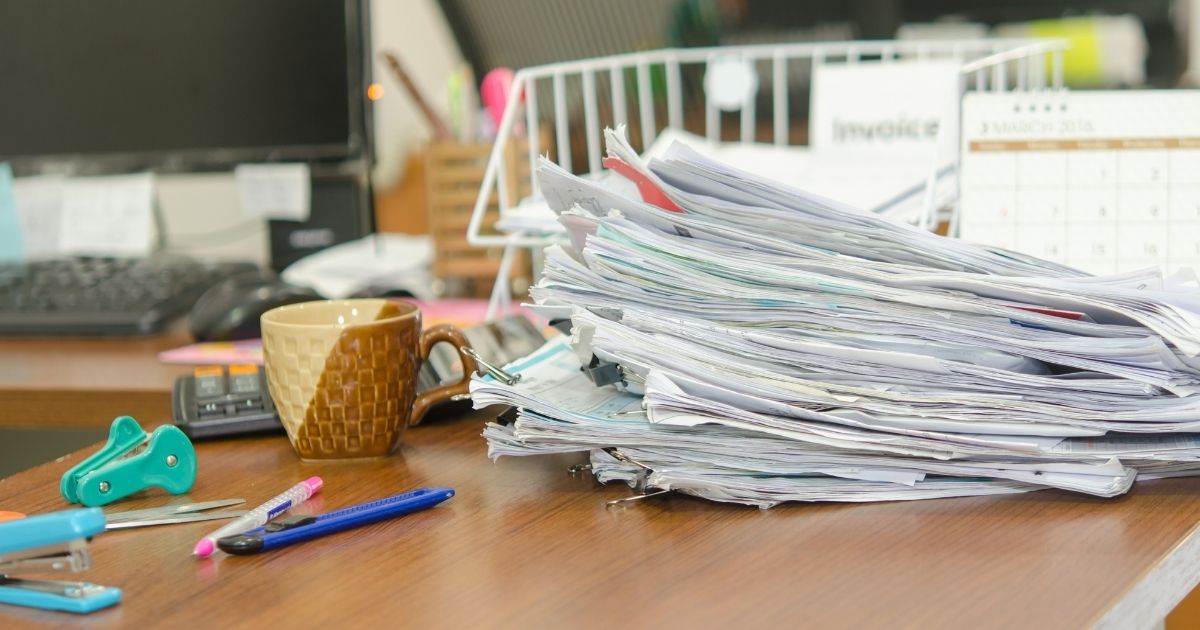
Step 6: Create a Paper Management System
Paper piles grow fast—especially in offices.
Set up four simple categories:
- Incoming
- Action needed
- To file
- Archive
Best practices:
- Handle papers once whenever possible
- File or discard documents daily
- Digitize important paperwork
- Shred outdated documents regularly
This keeps paper from taking over your workspace.

Step 7: Add Personal Touches (Carefully)
Your desk should feel welcoming—but not cluttered.
Good personal items:
- A small plant or succulent
- One or two framed photos
- A single decorative item
Keep personal items minimal and out of your main work area.
Step 8: Build a Simple Maintenance Routine
Organization works best when it’s maintained.
Daily (5 minutes):
- Clear your desk surface
- Put items back where they belong
- Toss trash
Weekly:
- Wipe surfaces
- Review papers
- Restock supplies
Monthly:
- Declutter drawers
- Remove unused items
- Reassess your setup
Small habits prevent big messes.
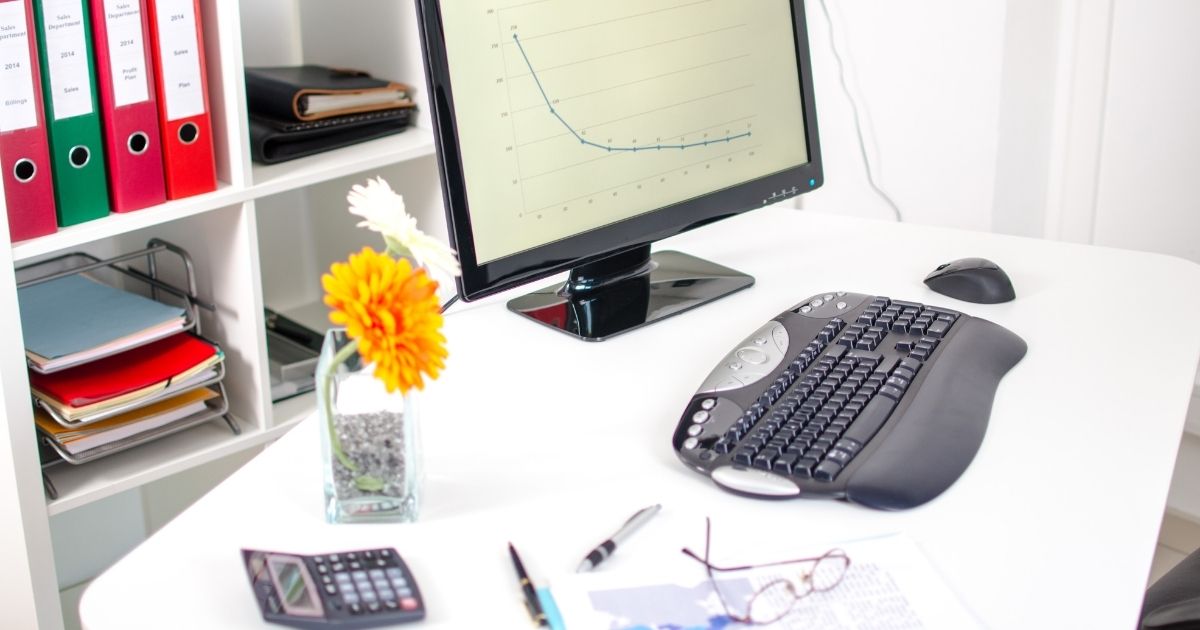
When Desk Storage Isn’t Enough
Sometimes, even the most organized desk needs extra space—especially for:
- Archived files
- Seasonal materials
- Extra supplies
- Business records
That’s where portable storage comes in.
How My Stack Box Helps Keep Offices Organized
My Stack Box offers secure, flexible portable storage solutions across Florida, making it easy to store what you don’t need daily—without cluttering your office.
Benefits for home offices and businesses:
- Multiple container sizes
- Short- and long-term rentals
- Convenient delivery and pickup
- Ideal for files, equipment, and supplies
Whether you’re working from home in South Florida or managing a growing business, portable storage helps you stay organized without sacrificing space.
An organized desk creates a calmer, more productive workday. By keeping only what you need, using simple storage systems, and maintaining small daily habits, you can create a workspace that truly works for you.
And when your office outgrows your desk, My Stack Box is here to help you store more—without the clutter.
Contact My Stack Box today to learn more about our portable storage solutions for Florida homes and businesses.
FAQs About Desk Organization
Desk Organization FAQs
How often should I reorganize my desk?
A light reset daily and a deeper clean once a month works well for most people.
What should always stay on my desk?
Your computer, phone, planner, and daily-use supplies—nothing more.
How do I stay organized when I’m busy?
End each day with a 5-minute reset. It makes a huge difference.
Is portable storage good for offices?
Yes! Portable storage is ideal for archived documents, extra supplies, and seasonal materials—especially for Florida homes and businesses.